
WTakip · TASKS
Tasks and team workflows
Visualize work stages, assignments and team progress in one connected Kanban workspace.
Explore task management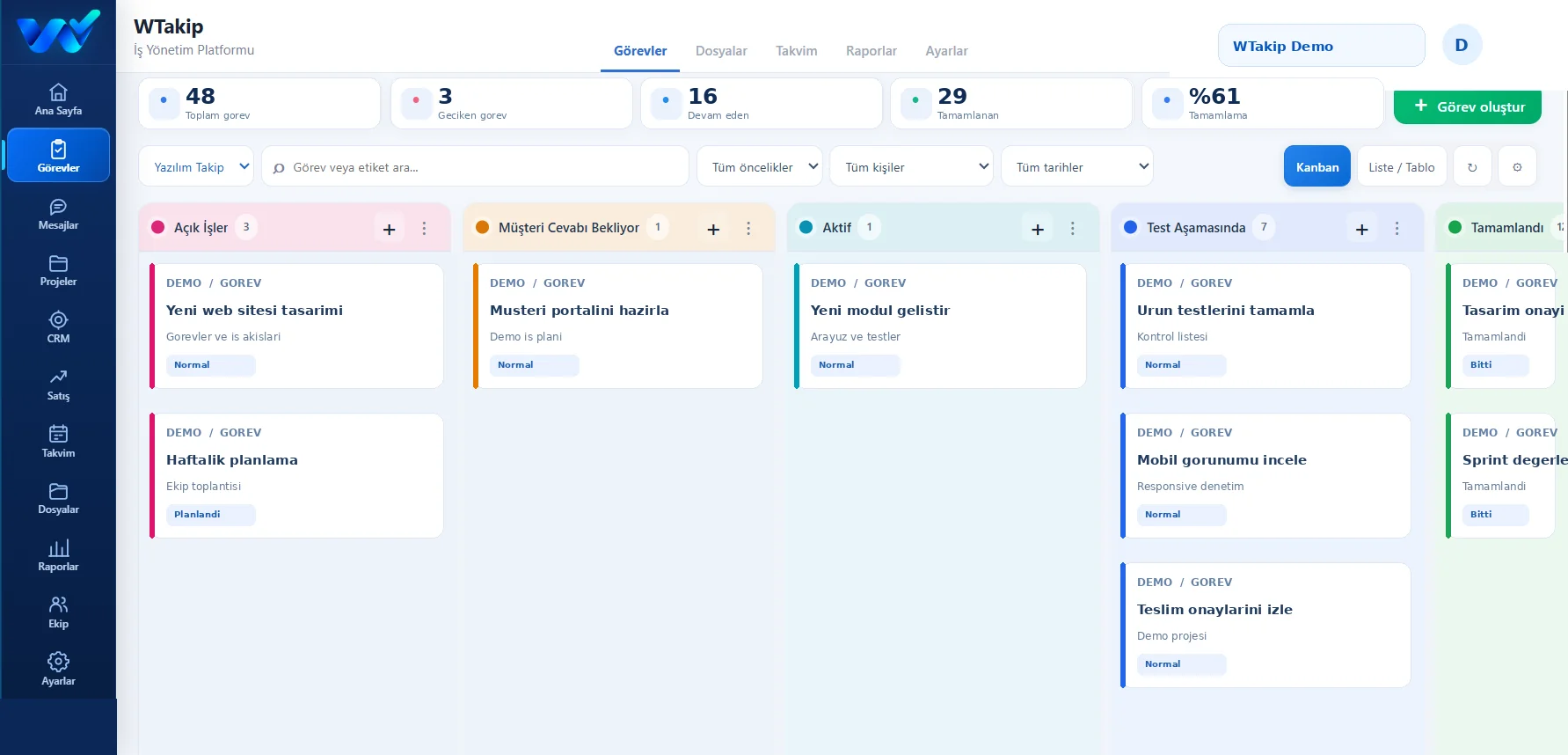
Bring projects, tasks, customer relationships and sales into one connected workspace. WTakip helps your team assign ownership, follow updates and see what needs attention next.
Already have an account? Sign in
For WTakip plans, sales and support, contact BioBellinda.
Identify tasks and priorities
Progress and team notes together
Completed in workflow
Illustrative product preview · No real customer or task data.
From tasks and projects to CRM, sales and reporting: see WTakip’s real interface design, prepared with fictional demonstration data.
Visualize work stages, assignments and team progress in one connected Kanban workspace.
Explore task management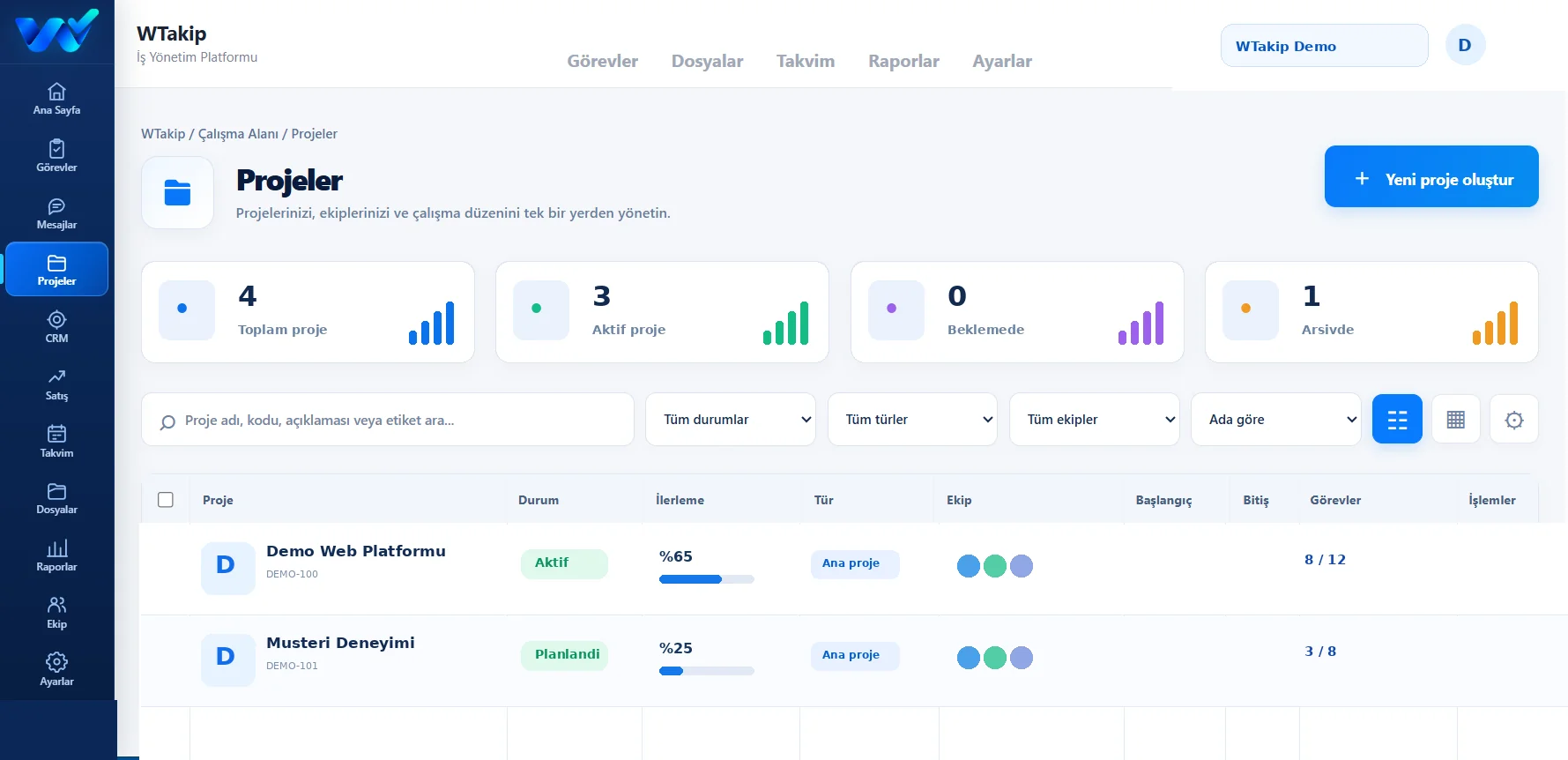
View project lists, status indicators and progress in one organized workspace.
Explore project management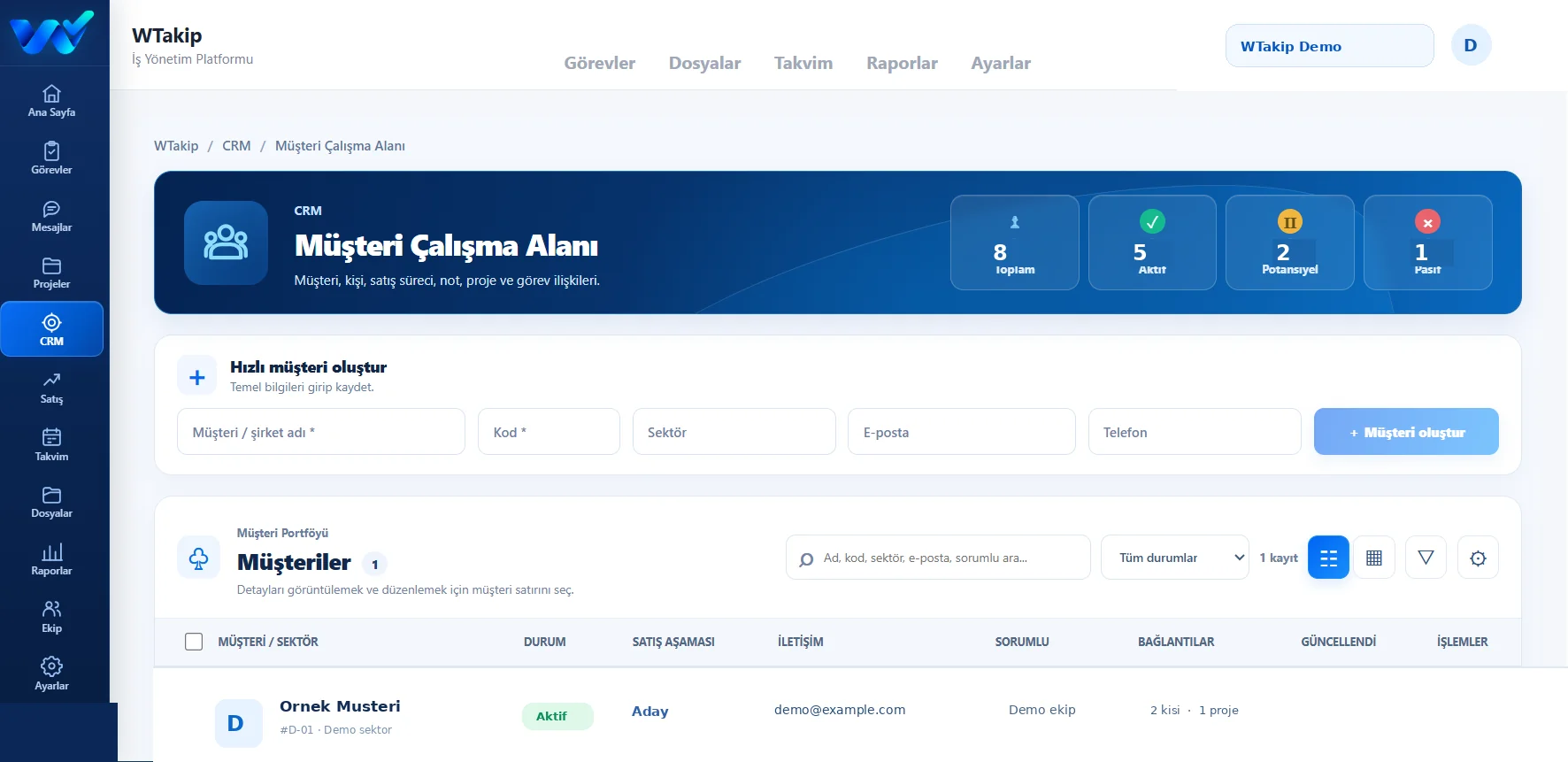
Keep customer profiles, interactions and team activities in a shared customer workspace.
Explore CRM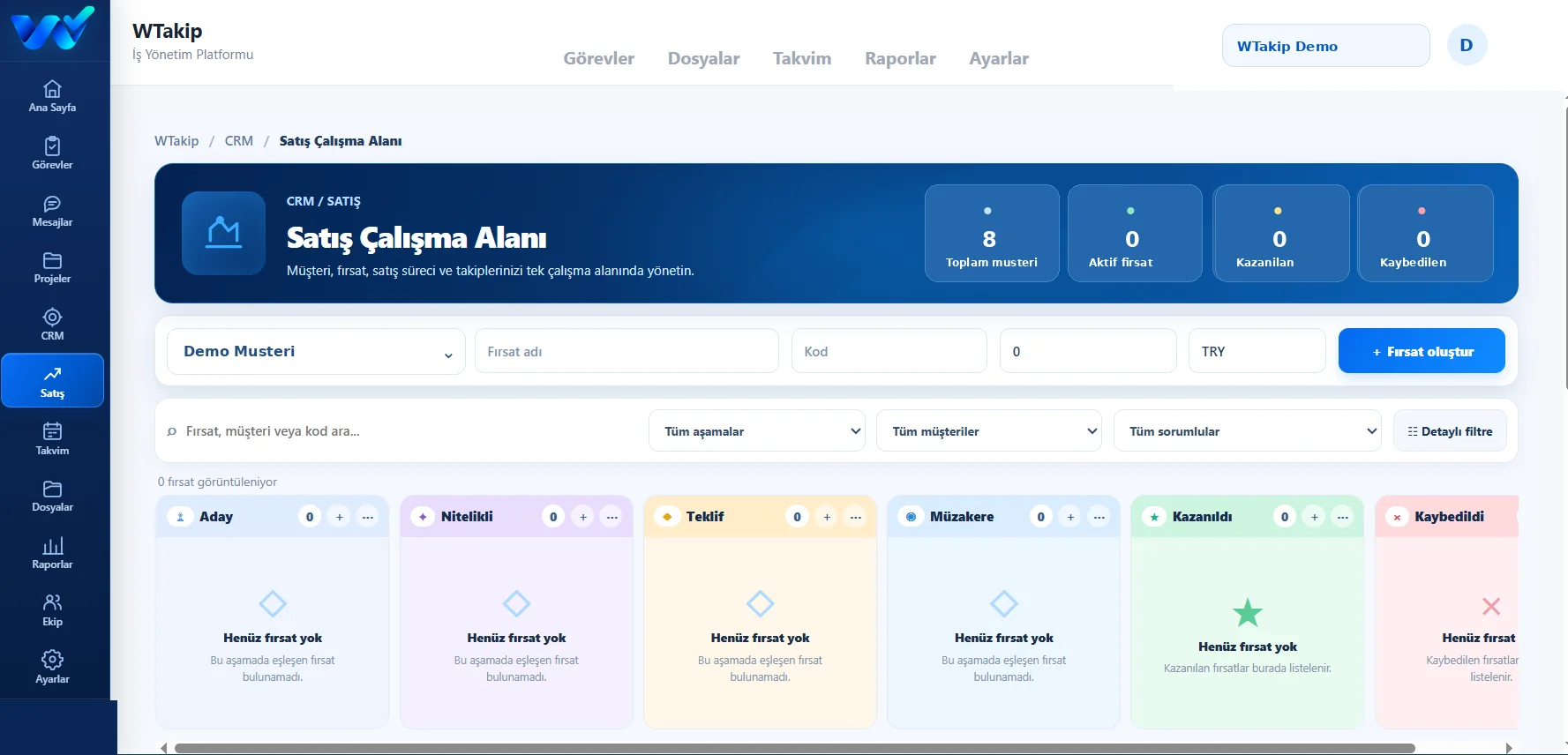
Organize opportunities by stage and make the next step visible across the sales pipeline.
Explore sales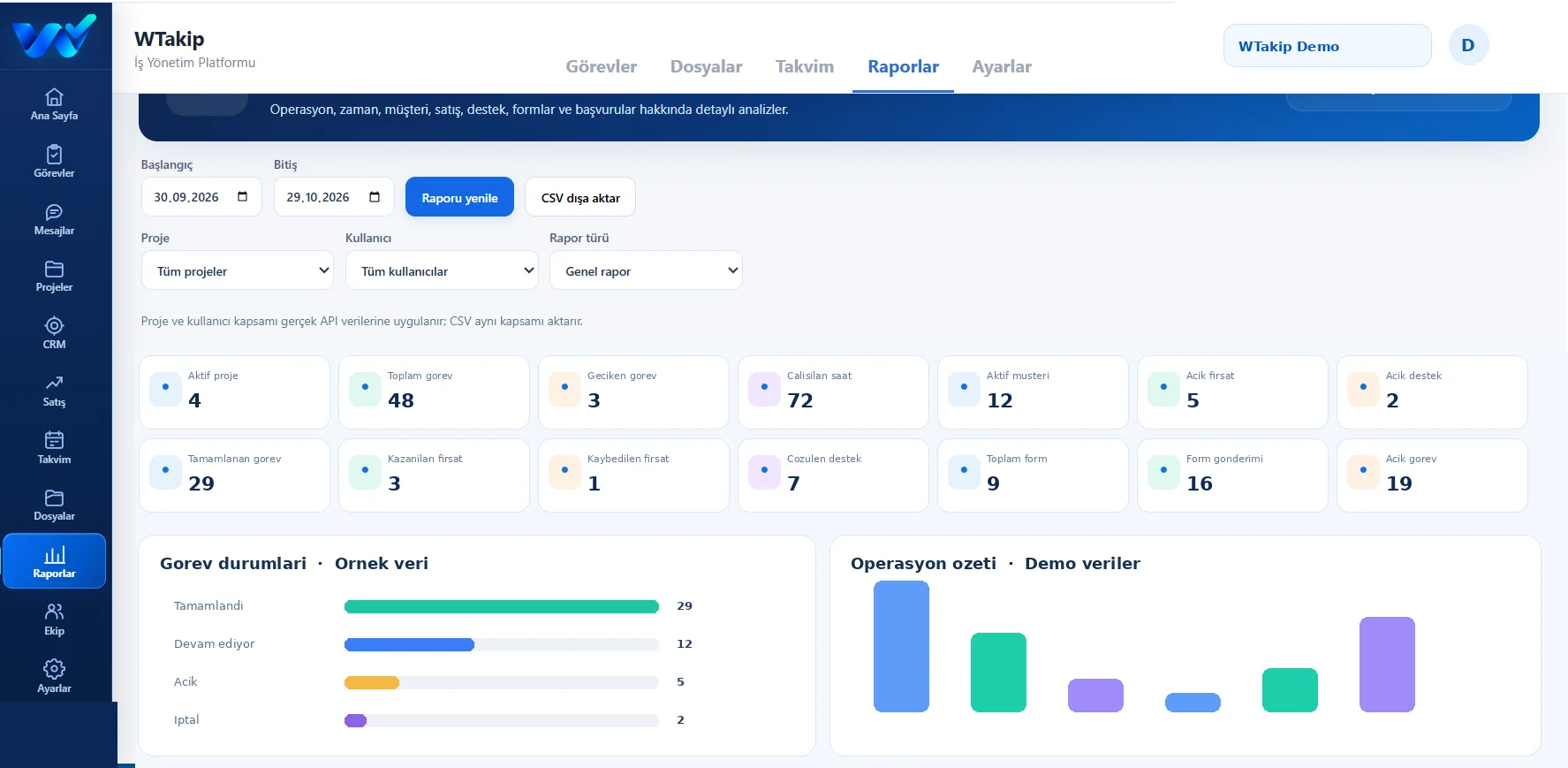
See core indicators for tasks, projects, customers and sales in one place.
Explore reportingThese visuals are adapted from actual WTakip interface layouts and show Turkish UI labels. Names, profile photos, projects and customer records are fictionalized.
Completing a task is more than checking a box. Keep your team, customers and operations working from the same information.
Make progress visible with Kanban boards, task details, workflows, calendars and workload planning.
Explore task managementConnect customer records, sales opportunities and next actions to your projects and teams.
CRM and salesKeep team chat, task comments, mentions and notifications in context.
View all featuresManage customer requests, support tickets and the shared inbox within one operational workflow.
Support workflowsMeasure progress and workload with reporting and management views.
Explore reportingManage multiple company workspaces and team access permissions with control.
Security approachWhether it is a customer request, a task, a team message or a sales opportunity, WTakip helps keep every update connected to the work behind it.
From project-driven teams to companies managing customers and sales, WTakip supports connected daily work.
Track development tasks, bugs and releases.
Coordinate projects, client requests and team workloads.
Stay on top of opportunities, customer meetings and follow-ups.
See daily tasks, workflows and results in one place.
Set up your company and invite your team.
Set up projects, tasks and customer workflows.
Stay on top of conversations, task statuses and operational reports.
What to know before getting started: real interface layouts, fictional demo data and current plan conditions.
Demonstrations adapted from real WTakip interfaces, with fictional data.
Explore the interfaceCompany workspace boundaries, roles and auditable activity records.
Security approachReview up-to-date plans and usage conditions inside the application.
Explore plansFor technical support, use the support tools inside the application. General contact details
For more detail, explore the features and security pages.
Explore featuresWTakip is a work management platform that helps teams manage projects, tasks, customers, sales, support, communication and reporting in one connected workspace.
WTakip is designed for teams and businesses looking to manage operations, projects, sales, customer relationships and support in a shared system.
WTakip is available as a web application. A Flutter-based mobile app experience is also in development. Check current announcements for mobile availability.
Product previews are based on WTakip interface layouts. People, projects, tasks and customer information have been replaced with fictional demonstration data.
Use the current information shown within the application for plans, limits and commercial terms. Marketing pages are not a binding price offer.
If you use the application, follow support requests within WTakip. Visit the Contact page for general published corporate contact channels.
Explore the workspace that brings your team and customer operations together.